Vision+ 43" LED TV - Clicking Noise and Startup Issues
Vision+ 43-inch LED TV with clicking relay noise and failure to start. Y-sustain board capacitor replacement and power supply protection circuit analysis.
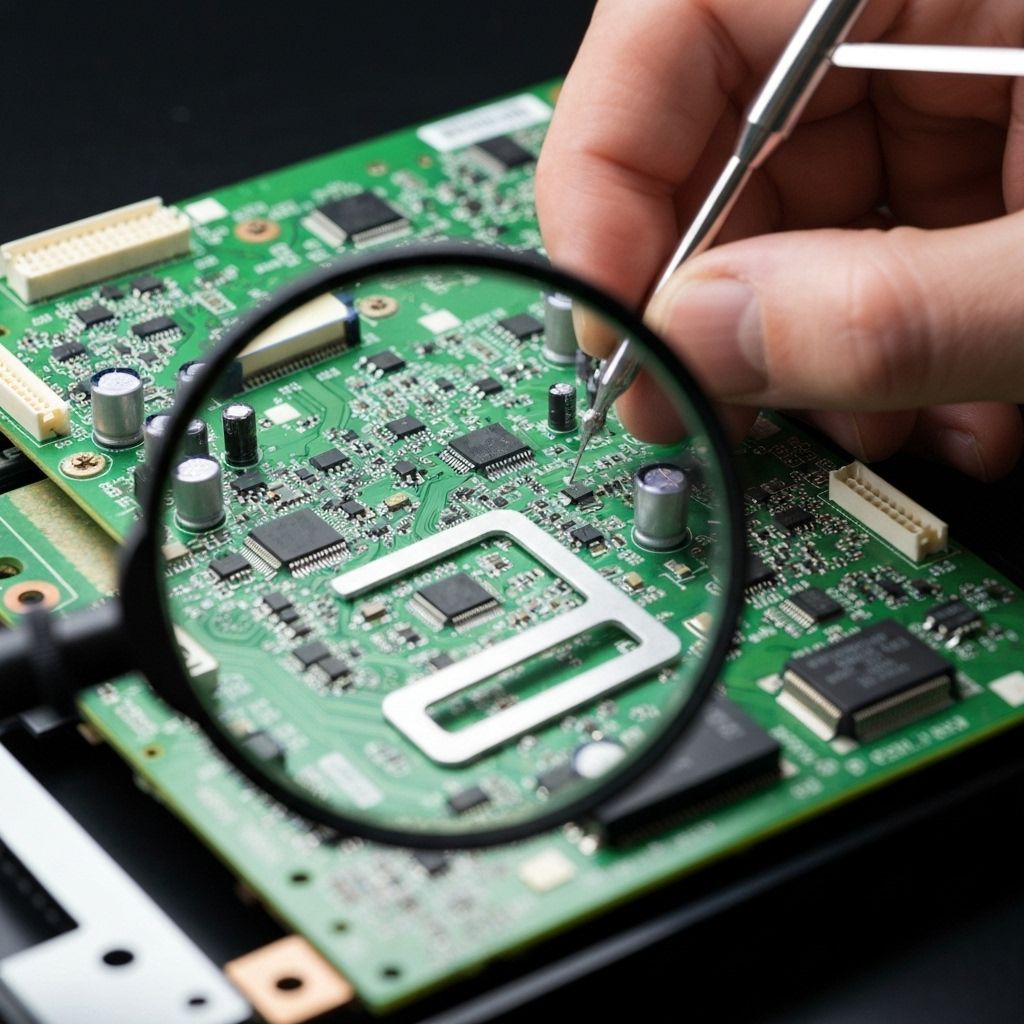
Symptoms
- Loud clicking noise from inside the TV (relay cycling)
- TV attempts to start but shuts down after 2-3 seconds
- Standby light turns on, then off repeatedly
- No picture or sound - just clicking
Diagnosis
The clicking sound was the power supply relay attempting to start, then immediately shutting down due to over-current protection triggering. This is a classic symptom of a voltage rail collapsing under load. Measured the voltage rails with an oscilloscope during the startup attempt - the 12V rail would spike to 13V, then drop to 4V within 500ms, triggering the protection circuit. Traced the 12V rail to the Y-sustain board (vertical scan board). Found three bulging electrolytic capacitors (1000µF 25V) on the Y-sustain filtering circuit. These capacitors smooth the voltage for the vertical deflection circuit. When they fail, the circuit draws excessive current trying to compensate, causing the voltage to collapse and protection to trip.
- Multimeter
- Oscilloscope (helpful for diagnosis)
- Soldering Iron 60W
- Desoldering Pump
- Flux Pen
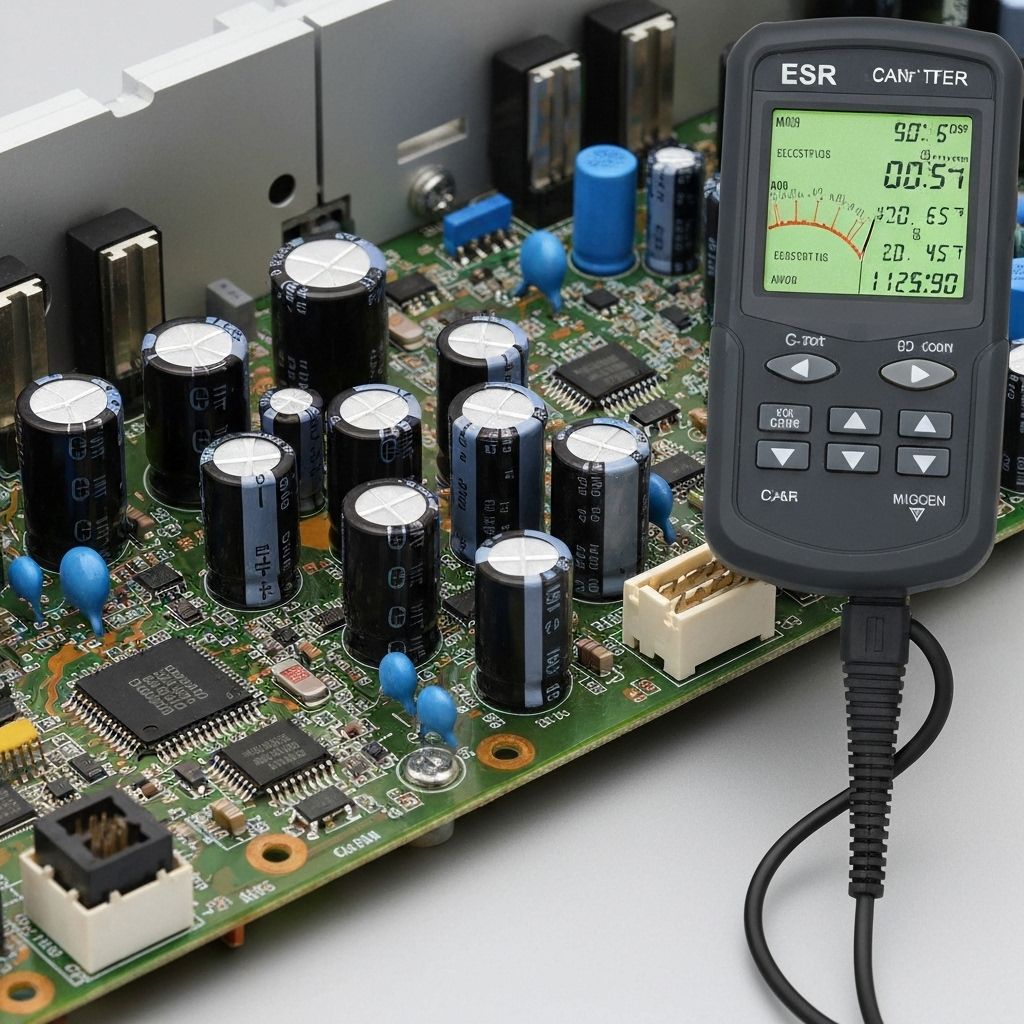
- ESR Meter (optional)
- Electrolytic Capacitors1000µF 25V 105°C Low ESRY-sustain board filtering - need 3 pieces
- Electrolytic Capacitors470µF 35V 105°CPreventive replacement - 2 pieces
Repair Process
Locate the Source of Clicking
Remove the back cover while the TV is attempting to start (be careful - live voltage present). Listen carefully to identify which board the relay is on. In this case, the clicking came from the main power supply board, but the root cause was on the Y-sustain board pulling too much current. The relay is the power supply's protection mechanism.
Measure Voltage Rails During Startup
With the TV attempting to start, carefully probe the voltage test points on the power supply board. Use a multimeter or oscilloscope. The 12V rail should be stable, but in this case it was collapsing to 4V within milliseconds. This confirmed an overload condition on the 12V rail.

Identify the Faulty Board
Disconnect boards one by one to isolate which one is causing the overload. Disconnected the Y-sustain board connector - the clicking stopped and the TV powered on (but with no vertical scan). This confirmed the Y-sustain board was the culprit. Visual inspection revealed three bulging capacitors.
Replace Bulging Capacitors
Remove the Y-sustain board for easier access. Desolder the three bulging 1000µF 25V capacitors. Note the polarity carefully. Install new 105°C rated low-ESR capacitors. Also replaced two nearby 470µF capacitors as preventive maintenance since they're under the same stress.
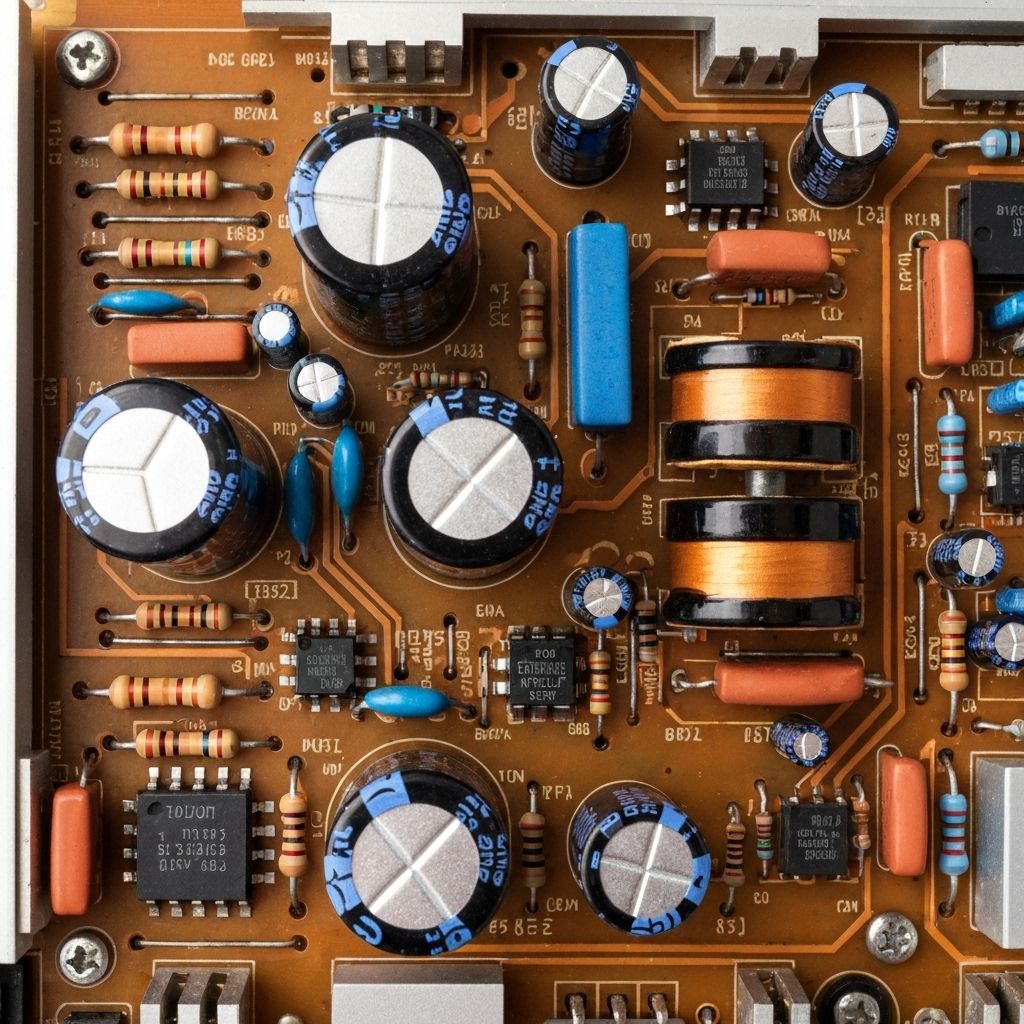
Test and Verify
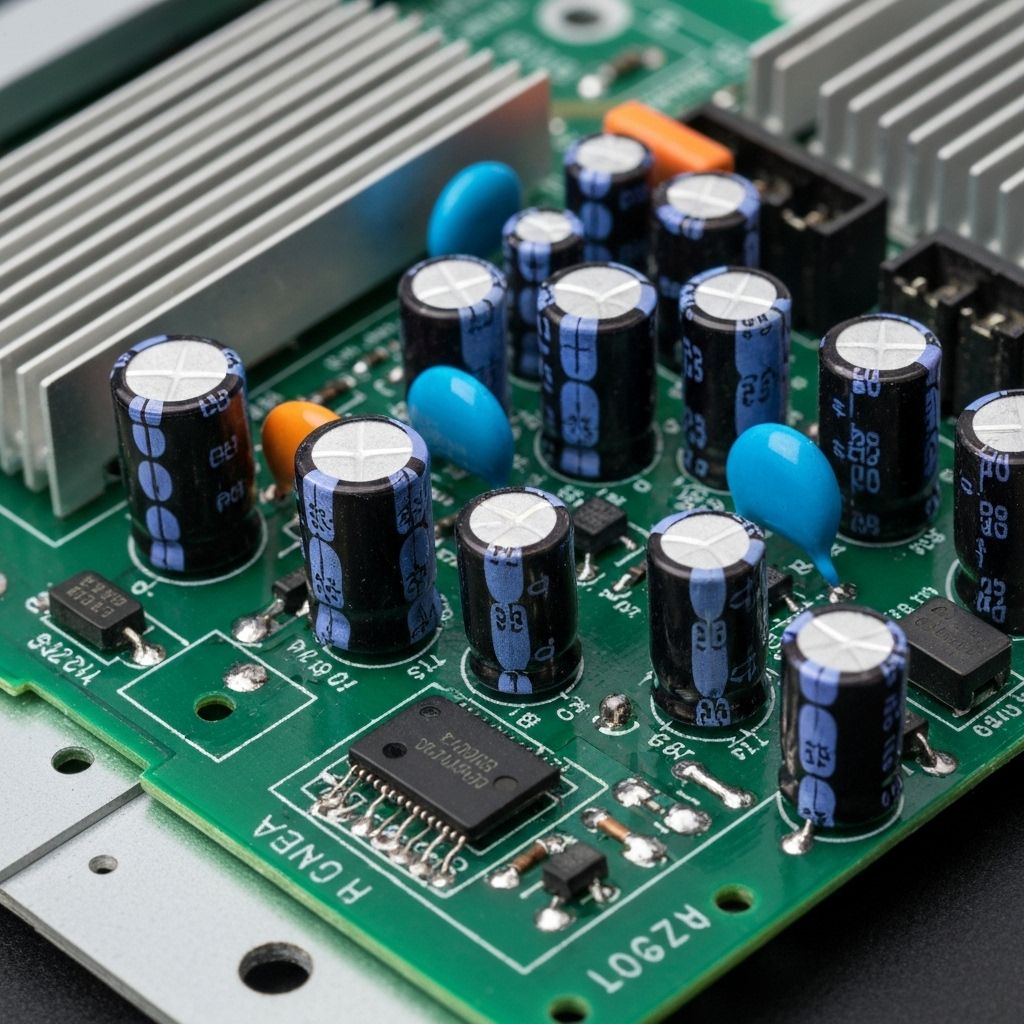
Reconnect the Y-sustain board and power on the TV. The clicking should be gone and the TV should start normally. Measure the 12V rail again - it should now be stable at 12V ±0.2V. Let the TV run for 30 minutes to ensure the repair is stable. Check for any remaining clicking or shutdown issues.
Conclusion
The TV now starts immediately with no clicking noise. The voltage rails are stable and the Y-sustain board is operating within spec. This is a common failure mode for TVs in the 3-5 year age range where cheap capacitors fail under thermal stress. The clicking noise is always a protection circuit - the key is finding what's causing the protection to trigger. Total repair time was about 1 hour.