Vision+ 32" HDTV - Power Surge Damage and Component-Level Repair
Vision+ 32-inch HDTV damaged by power surge. Systematic component testing and selective replacement to restore functionality without replacing entire boards.

Symptoms
- Completely dead after power outage
- Heard a 'pop' sound when power came back on
- No standby light, no response
- Slight burnt smell from power supply area
Diagnosis
Power surges during outages (especially when power comes back on) can cause voltage spikes that damage input protection components. Customer heard a pop when power was restored - this is typically the fuse blowing or the MOV (Metal Oxide Varistor) sacrificing itself. Opened the TV and found the fuse was blown (open circuit). Tested the bridge rectifier and found it was shorted (0Ω in both directions) - this means the surge damaged it. The good news: the fuse blew quickly enough to protect the downstream components. Tested the main filter capacitor and secondary side components - all OK. This is a best-case scenario for surge damage - only the input protection components failed, and they're cheap and easy to replace. The MOV, fuse, and bridge rectifier form a protection chain designed to fail in sequence to save the expensive parts.
- Multimeter (essential)
- Soldering Iron 60W+
- Desoldering Pump
- Fuse Puller or Pliers
- Wire Cutters
- Fuse5A 250V Fast-Blow (check original marking)Input protection
- Bridge RectifierKBP307 (3A 700V) or equivalentAC to DC conversion
- MOV14D471K (470V) - optionalIf visibly damaged
Repair Process
Safety and Visual Inspection
Unplug and wait 10 minutes for capacitors to discharge. Open the TV and locate the power supply board. Look for obvious damage: blown fuse (you can see the broken wire inside), cracked or burnt MOV, or burnt components. In this case, the fuse was clearly blown and there was a slight burnt smell near the bridge rectifier.

Test Input Components Systematically
Test the fuse with continuity mode - should be 0Ω if good, infinite if blown. Test the bridge rectifier: each of the 4 diodes should show ~0.5-0.7V forward drop in one direction and infinite in reverse. A short (0Ω in both directions) means it's damaged. Test the MOV - should show high resistance (megaohms) in both directions. A short means it absorbed a surge and needs replacement.

Test Downstream Components
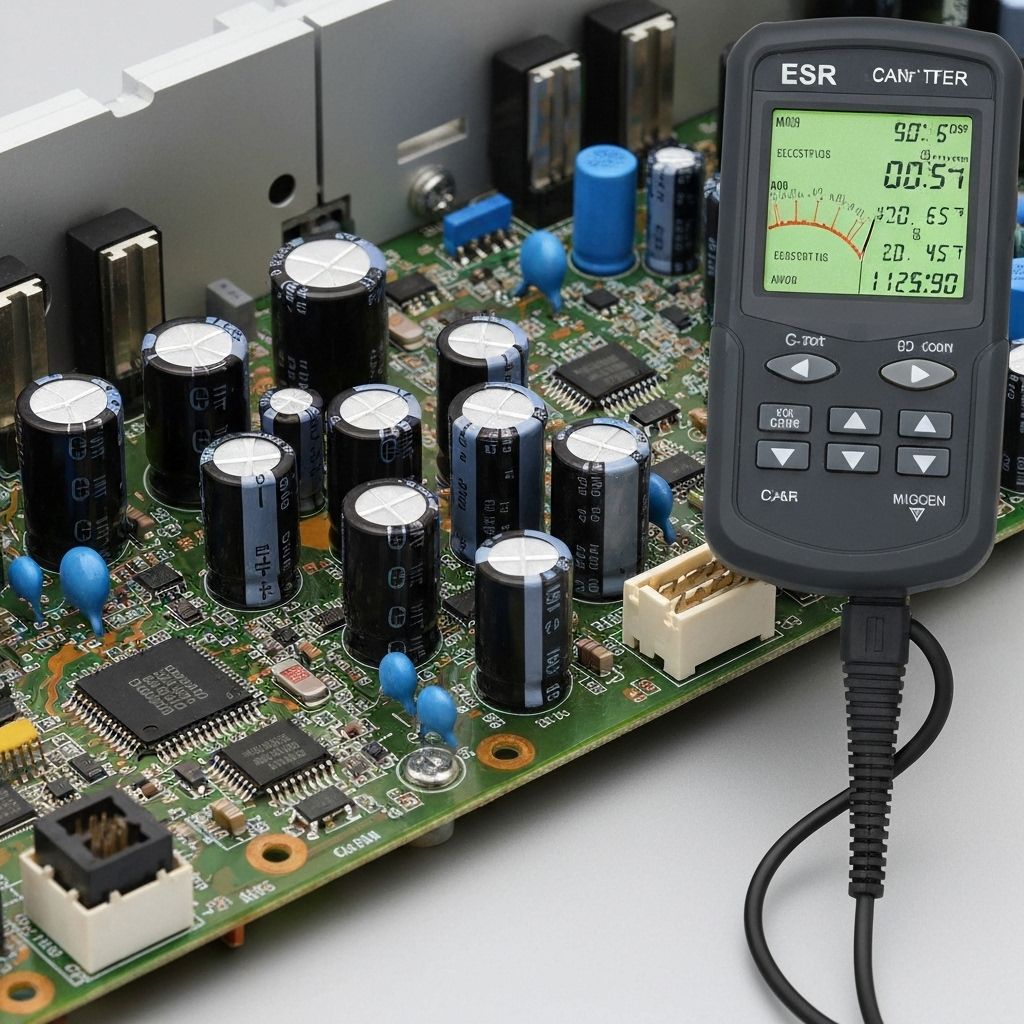
Before replacing parts, verify the downstream components weren't damaged. Check the main filter capacitor ESR (should be under 1Ω). Test for shorts on the secondary voltage rails (12V, 5V, 3.3V). In this repair, everything downstream tested OK - the protection components did their job and sacrificed themselves to save the expensive parts.
Replace Damaged Components
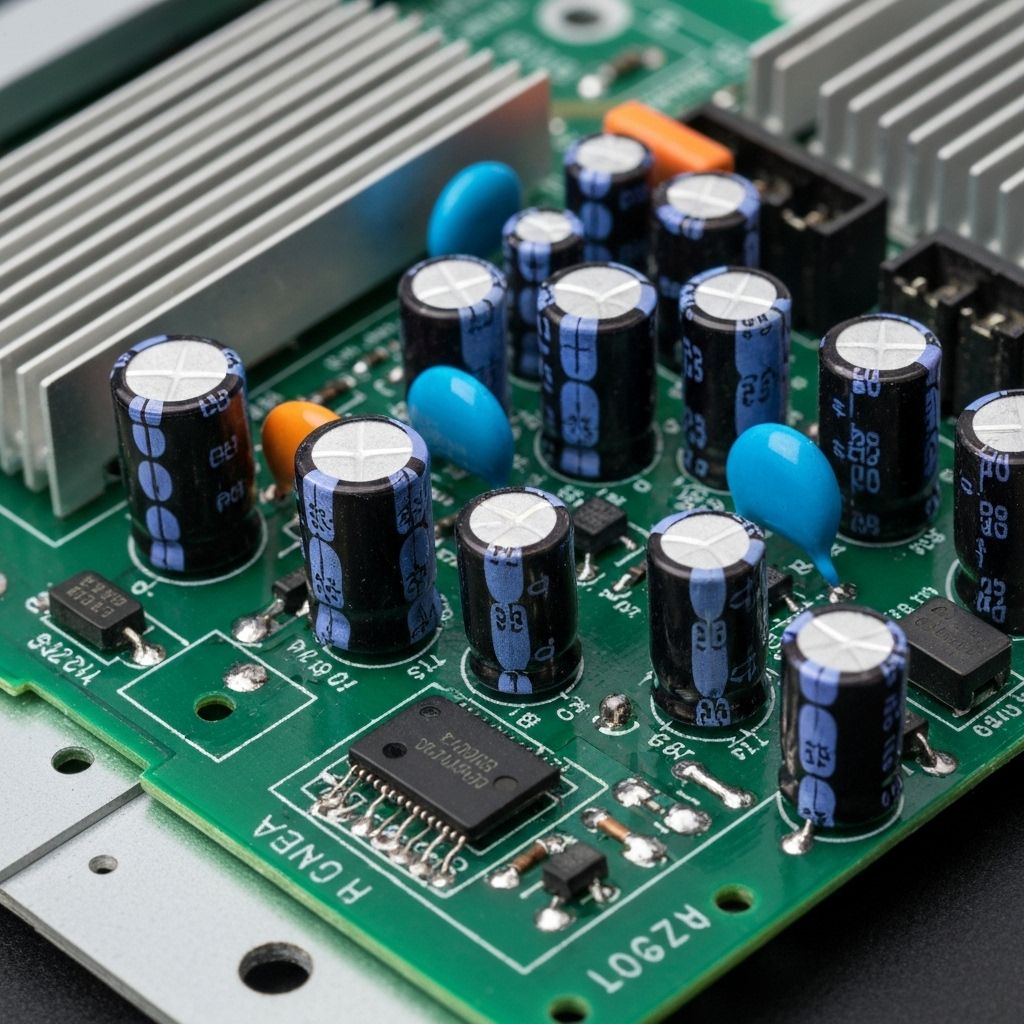
Replace the fuse (usually in a holder - just pull out the old one). Desolder and replace the bridge rectifier - note the polarity markings (AC~, +, -). If the MOV is damaged (cracked or burnt), replace it too. Use components with the same or higher ratings - never use lower voltage ratings. A 470V MOV protects against surges up to 470V.
Test Carefully
IMPORTANT: Before reassembly, plug the TV into a surge protector (not directly to wall outlet). Power it on. The standby light should illuminate. If the fuse blows again immediately, there's additional damage downstream that needs diagnosis. If it powers on normally, let it run for 30 minutes to ensure stability. Advise the customer to always use a quality surge protector.

Conclusion
This repair demonstrates why surge protection components exist and why they're designed to fail. The $5 in parts (fuse, bridge rectifier) saved a $300+ TV. CRITICAL ADVICE FOR CUSTOMERS: Use a quality surge protector with at least 2000 joules rating and equipment warranty. Cheap power strips offer minimal protection. In areas with frequent power outages or lightning, consider a UPS (Uninterruptible Power Supply) for expensive electronics. Total repair time: 30-45 minutes. This is one of the most satisfying repairs because it's quick, cheap, and saves the customer from buying a new TV.