Sony 65" HDTV - Liquid Metal Thermal Compound Migration and Pump-Out
Sony HDTV overheating and shutting down due to liquid metal thermal compound migration. Advanced thermal management repair with proper liquid metal application techniques.
Symptoms
- Overheating warning message on screen
- TV shuts down after 20-30 minutes
- Excessive fan noise (fan running at maximum speed)
- TV is a high-end model with liquid metal cooling
Diagnosis
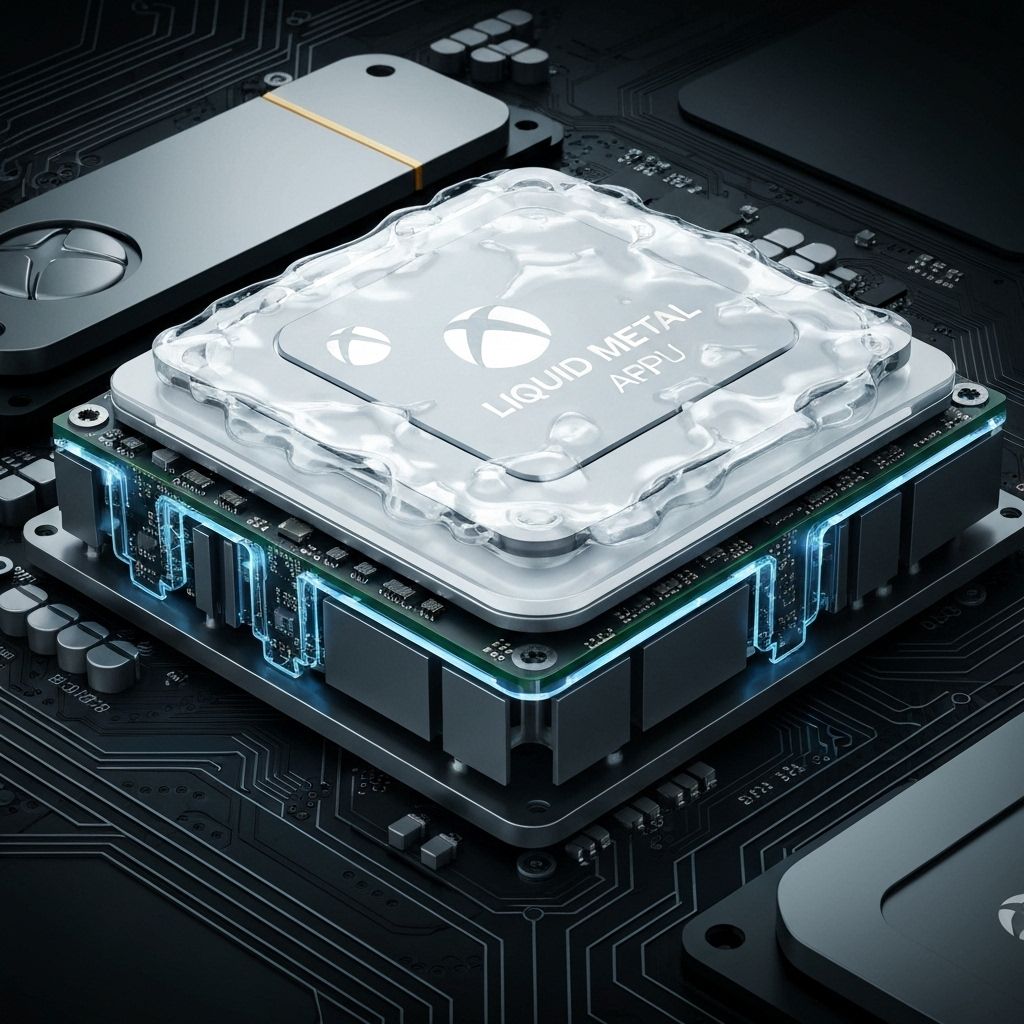
Some premium TVs and gaming consoles use liquid metal thermal compound instead of traditional thermal paste. Liquid metal (gallium-based alloy) has much better thermal conductivity (73 W/mK vs. 8-12 W/mK for paste), allowing thinner, more powerful devices. However, liquid metal has a critical flaw: it can 'pump out' or migrate away from the die over time due to thermal cycling and pressure changes. Customer reported the TV was only 2 years old but overheating. Removed the heatsink and found the liquid metal had migrated to the edges of the APU die, leaving the center (hottest area) with minimal coverage. The heatsink contact area also had uneven liquid metal distribution. This is a known issue with factory liquid metal applications - they often use too little compound or don't apply it evenly. The thermal cycling (heating and cooling) causes the liquid metal to flow away from the center, creating hot spots. Temperature monitoring showed the APU reaching 95°C under load (should be 65-75°C).
- Screwdriver Set
- Isopropyl Alcohol 90%+
- Cotton Swabs (many)
- Liquid Metal Thermal Compound (Thermal Grizzly Conductonaut)
- Kapton Tape or Nail Polish (to protect surrounding components)
- Nitrile Gloves (liquid metal stains skin)
- Plastic Spreader or Applicator (included with liquid metal)
- Liquid Metal Thermal CompoundThermal Grizzly Conductonaut 1gPremium liquid metal - do not use cheap alternatives
- Kapton TapeHigh-temperature polyimide tapeTo protect SMD components around the APU
Repair Process
Safety and Preparation
CRITICAL: Liquid metal is electrically conductive and will short circuit components if it spills. Work slowly and carefully. Wear nitrile gloves. Protect the area around the APU with Kapton tape or nail polish (cover all SMD components within 5mm of the die). Liquid metal is also corrosive to aluminum - only use on copper or nickel-plated heatsinks. This Sony uses a nickel-plated heatsink, so it's safe.
Remove Heatsink and Clean Old Liquid Metal
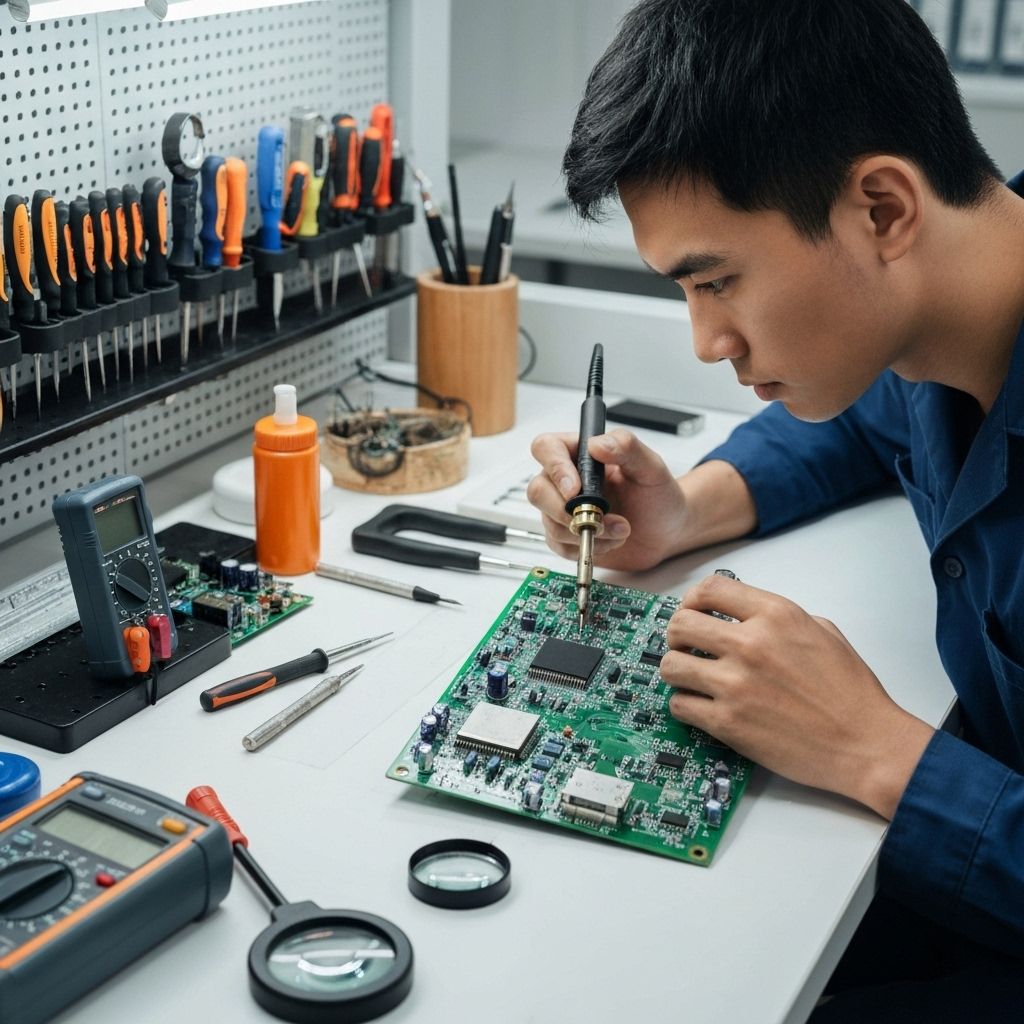
Remove the APU heatsink (usually 4-6 screws). The liquid metal will make it stick - gently twist to break the seal. Clean ALL the old liquid metal from both the die and heatsink using isopropyl alcohol and cotton swabs. This takes patience - keep cleaning until both surfaces are completely clean and shiny. Any residue will affect the new application. The liquid metal will look like mercury - it's a silvery liquid.

Protect Surrounding Components
Before applying new liquid metal, protect the area around the APU die. Apply Kapton tape to cover all SMD components within 5mm of the die edges. Alternatively, use clear nail polish to coat the components (let it dry completely). This prevents damage if any liquid metal spills during application.

Apply Liquid Metal Correctly
This is the critical step. Apply a TINY amount of liquid metal to the center of the APU die - about half the size of a rice grain. Use the plastic applicator to spread it VERY THINLY across the entire die surface. The layer should be so thin you can barely see it - like a mirror finish. Too much liquid metal will pump out again. Also apply a thin layer to the heatsink contact area. The goal is complete coverage with minimal thickness.

Mount Heatsink and Test
Carefully mount the heatsink, ensuring it sits flat and makes even contact. Tighten screws in a cross pattern to even pressure. Power on the TV and monitor temperatures. The APU should now run at 60-70°C under load (down from 95°C). Let it run for 2-3 hours to ensure stability. The fan noise should be significantly reduced as the system no longer needs maximum cooling.

Conclusion
Liquid metal thermal compound is amazing for thermal performance but requires careful application. Factory applications often fail after 1-3 years due to pump-out. This repair is advanced and not recommended for beginners - one mistake can destroy the APU. However, when done correctly, it provides the best possible cooling. The key is using the minimum amount necessary for complete coverage. Some technicians prefer to replace liquid metal with high-quality thermal paste (like Thermal Grizzly Kryonaut) to avoid future pump-out issues - you'll lose 10-15°C of cooling performance but gain long-term reliability. Total repair time: 1-2 hours if you're careful.