Samsung 43" QLED - Main Board Boot Loop Failure
Samsung QN43Q60C stuck in boot loop after only 18 months. Systematic diagnosis of power supply vs. main board failure, leading to board replacement.

Symptoms
- TV stuck in boot loop (Samsung logo appears, then black screen, repeat)
- Backlight turns on briefly then off
- No picture or sound, just endless boot cycle
- TV is only 18 months old (still under warranty period)
Diagnosis
Boot loop issues can be caused by either power supply problems (unstable voltage causing resets) or main board failures (corrupted firmware, bad CPU, failed NAND flash). The key is systematic diagnosis. First, tested all power supply voltage rails with the TV attempting to boot. All rails were stable: 12V at 12.02V, 5V at 5.01V, 3.3V at 3.31V - perfect. This ruled out power supply issues. Next, observed the boot sequence: the Samsung logo appeared for 2-3 seconds (meaning the CPU and display controller were working initially), then the screen went black and the cycle repeated. This pattern indicates the main board is starting to boot but failing during initialization - classic symptoms of corrupted NAND flash memory or a failing SoC (System on Chip). Attempted a factory reset via service menu - no change. Checked for firmware updates via USB - the TV wouldn't stay on long enough to flash. At this point, the diagnosis was clear: main board failure, likely corrupted NAND flash that can't be recovered.
- Multimeter
- Oscilloscope (optional, for voltage stability testing)
- Screwdriver Set
- Anti-static Wrist Strap
- Label Maker or Masking Tape (for cable management)
- Main BoardSamsung BN94-16501A or compatibleMust match TV model exactly - check sticker on original board
- Thermal PasteHigh qualityFor CPU/SoC if heatsink is removed
Repair Process
Diagnose Power Supply vs. Main Board
This is critical - don't waste money replacing the wrong board. Measure all voltage rails with the TV attempting to boot. Use an oscilloscope if available to check for voltage ripple or dips during boot. In this case, all rails were perfectly stable, ruling out PSU failure. The boot loop pattern (logo appears, then fails) confirmed main board failure.

Order Correct Replacement Board
Samsung main boards are model-specific. Check the sticker on your current main board for the exact part number (starts with BN94-). Order from a reputable supplier. Beware of 'compatible' boards from unknown sellers - they often have different firmware versions that cause issues. If possible, order a board pre-programmed for your TV model.
Remove Old Main Board
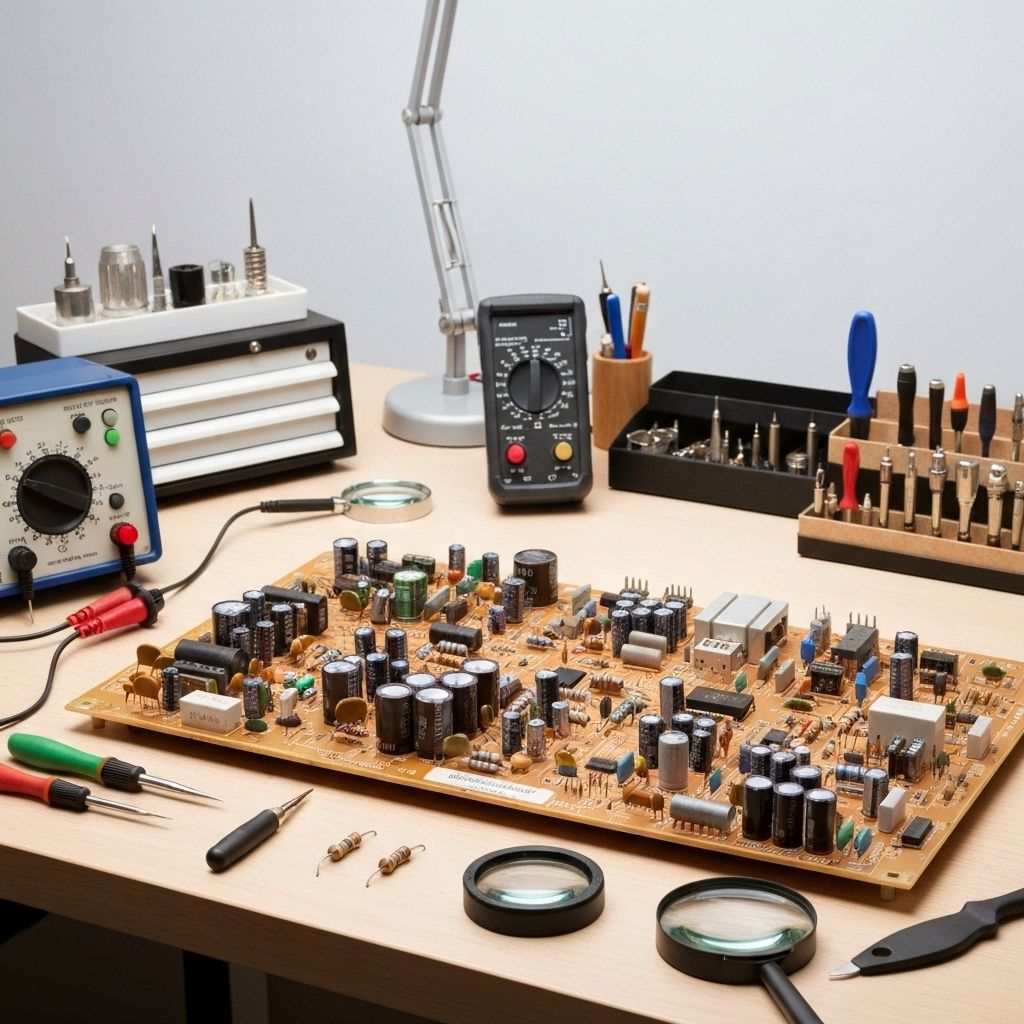
Unplug TV and remove back cover. The main board is usually the largest PCB with the most connectors. CRITICAL: Take photos of every cable connection before disconnecting. Label each cable with tape. Disconnect all ribbon cables (gently lift the locking tabs), all wire harnesses, and remove the mounting screws. Handle the board by the edges only.
Install New Main Board
Mount the new board in the same position as the old one. Reconnect all cables using your photos as reference. Ribbon cables must be fully inserted and locked. Double-check every connection - a single loose cable will cause problems. If the SoC heatsink was removed, clean the old thermal paste and apply fresh paste before reattaching.
Test and Configure
Power on the TV. It should boot normally to the setup screen. If it boot loops again, check all cable connections. Once booted, run through the initial setup. Test all inputs (HDMI, USB), smart features, and settings. The TV will need to be reconfigured as if new. Update firmware if available.
Conclusion
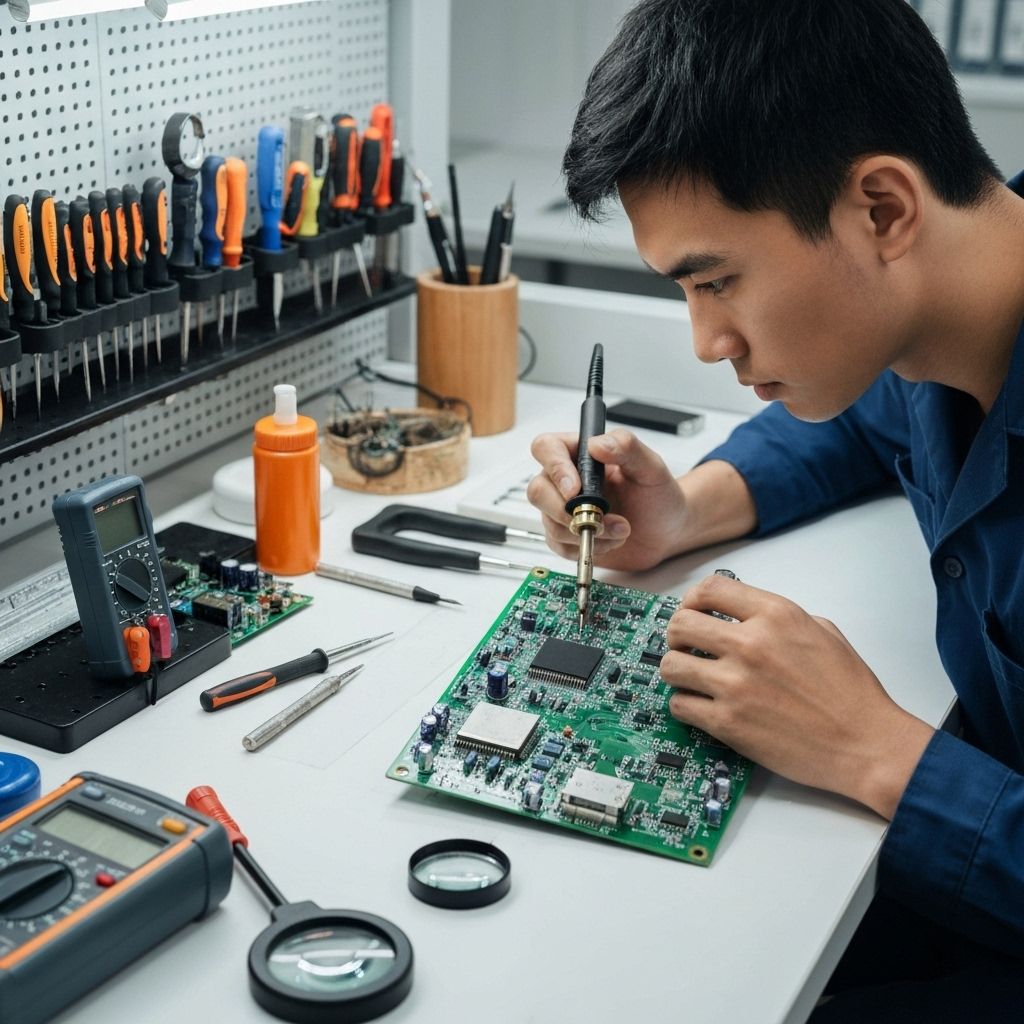
Main board failures on relatively new TVs (under 3 years) are frustrating but not uncommon. Samsung QLEDs from 2022-2023 had a batch of boards with NAND flash issues. The repair cost ($150-250 for the board) is much less than a new TV ($400-600). IMPORTANT: If the TV is still under warranty or extended warranty, contact Samsung first - they may replace the board for free. This repair is straightforward if you're methodical about cable management. Total repair time: 1-2 hours.