LG 55" QLED - HDMI ARC Audio Return Channel Failure
LG QLED55 HDMI ARC not working with soundbar. Cold solder joint diagnosis and reflow repair that works 80% of the time without port replacement.
Symptoms
- HDMI ARC not working (no audio to soundbar)
- Regular HDMI video works fine
- Soundbar shows 'No Signal' or 'No ARC'
- Problem started intermittently, now permanent
Diagnosis
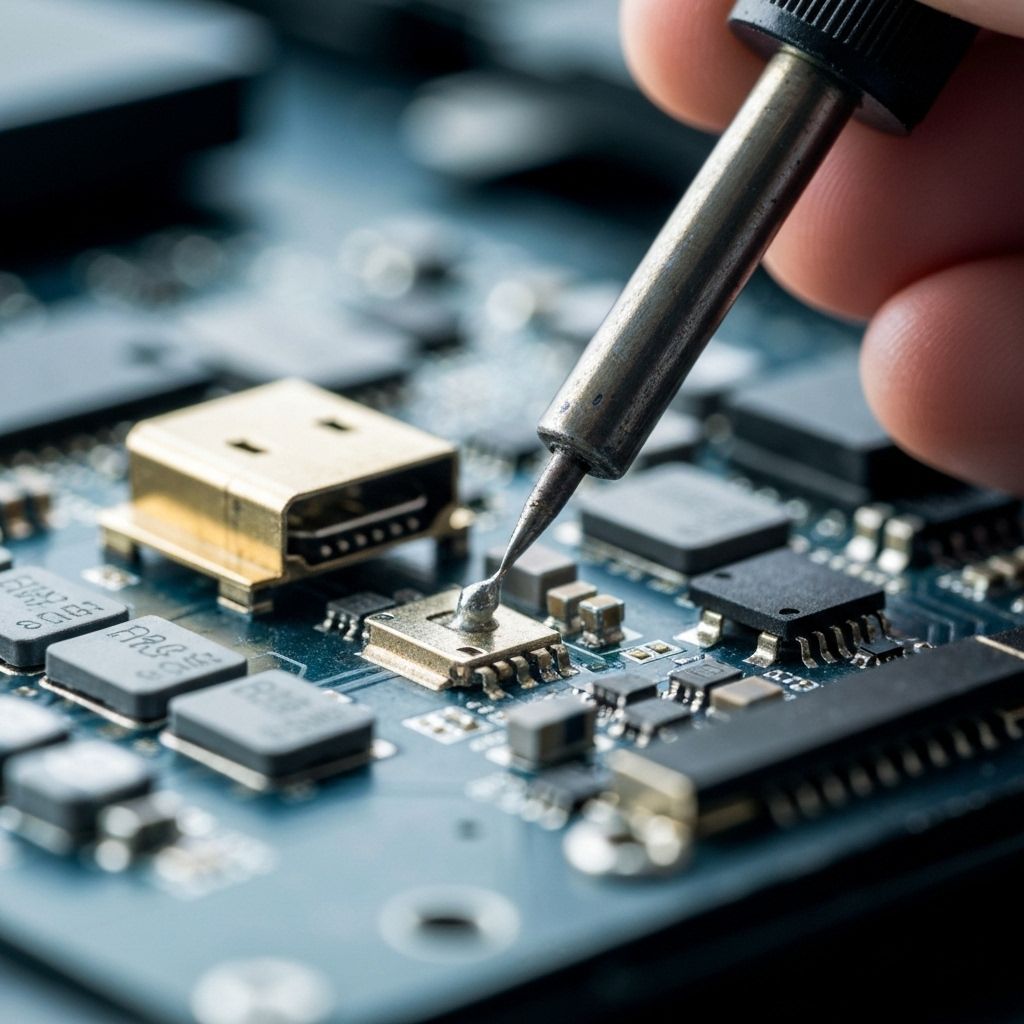
HDMI ARC (Audio Return Channel) uses pin 14 of the HDMI connector to send audio from the TV back to a soundbar or receiver. This is different from regular HDMI which only sends video/audio TO the TV. The customer reported it worked initially but became intermittent, then stopped completely - classic symptom of a cold solder joint. Regular HDMI still worked (pins 1-13, 15-19), confirming the issue was specific to pin 14. Removed the main board and inspected the HDMI port under a microscope at 20x magnification. Found pin 14 had a cold solder joint - the solder looked dull and cracked rather than shiny and smooth. Cold solder joints develop over time due to thermal cycling (heating and cooling) causing the solder to crack and lose contact. This is extremely common on HDMI ports because they undergo mechanical stress from cable insertion/removal and thermal stress from the board heating up during use.
- Stereo Microscope (10x-40x magnification)
- Soldering Iron with fine tip (Hakko FX-888D or similar)
- Flux Pen or Flux Gel
- Solder Wick (for cleaning)
- Multimeter with continuity beeper
- HDMI Cable and Soundbar (for testing)
Repair Process
Confirm ARC-Specific Failure
Before disassembly, verify it's an ARC issue and not a settings problem. Check TV settings: enable HDMI-CEC (called SimpLink on LG), enable ARC/eARC. Try a different HDMI cable (must be ARC-compatible). Test the soundbar with another device to confirm it works. If settings and cables are OK but ARC still doesn't work, it's likely a hardware issue with pin 14.
Remove Main Board and Inspect HDMI Port
Remove the back cover and main board. Place the board under a microscope and inspect all HDMI ports (focus on the one used for ARC - usually HDMI 2 or HDMI 3). Look for cold solder joints: dull, cracked, or separated solder. Pin 14 is in the middle of the connector. Compare it to the other pins - good solder joints are shiny and smooth.
Test Pin 14 Continuity
Use a multimeter in continuity mode to test pin 14. Touch one probe to pin 14 on the HDMI connector and the other to where the trace goes on the PCB (usually to a nearby resistor or IC). If there's no continuity (infinite resistance), the solder joint is broken. Good joints should beep immediately (0Ω).

Reflow the Cold Solder Joint
Apply flux to pin 14. Heat the pin with your soldering iron until the existing solder melts and flows. You may need to add a tiny amount of fresh solder. The goal is to reflow the joint and create a shiny, smooth connection. Don't overheat - 3-5 seconds is enough. Let it cool naturally. Clean excess flux with isopropyl alcohol.
Test ARC Functionality
Reinstall the main board and reconnect everything. Power on the TV and soundbar. Enable ARC in settings. The soundbar should immediately show 'ARC' or 'TV' as the input source. Play content and verify audio comes through the soundbar. Test volume control from the TV remote - this should control the soundbar volume via ARC.

Conclusion
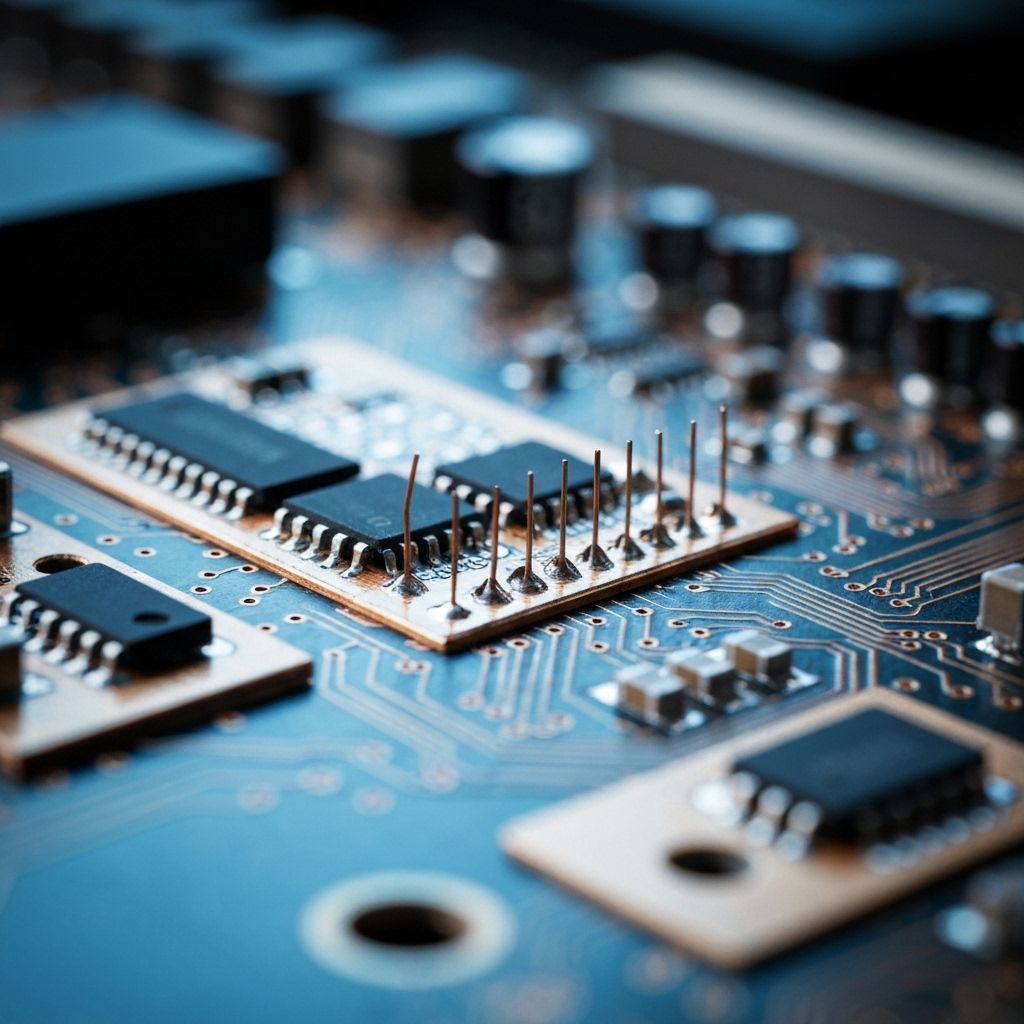
Cold solder joints on HDMI ARC pins are extremely common and easy to fix with a simple reflow. This repair works about 80% of the time and takes 30-45 minutes. The other 20% of cases involve lifted pads or damaged traces, which require jumper wire repairs (see case study #10). This is a great example of how a $0 repair (just flux and solder) can fix what seems like a major problem. Prevention tip: Don't repeatedly plug/unplug HDMI cables - the mechanical stress accelerates solder joint failure. Use an HDMI switch if you need to swap devices frequently.